
Manual Annotation
The Manual Annotation section allows you to create and manage your annotations directly on the raster using dedicated graphical tools.
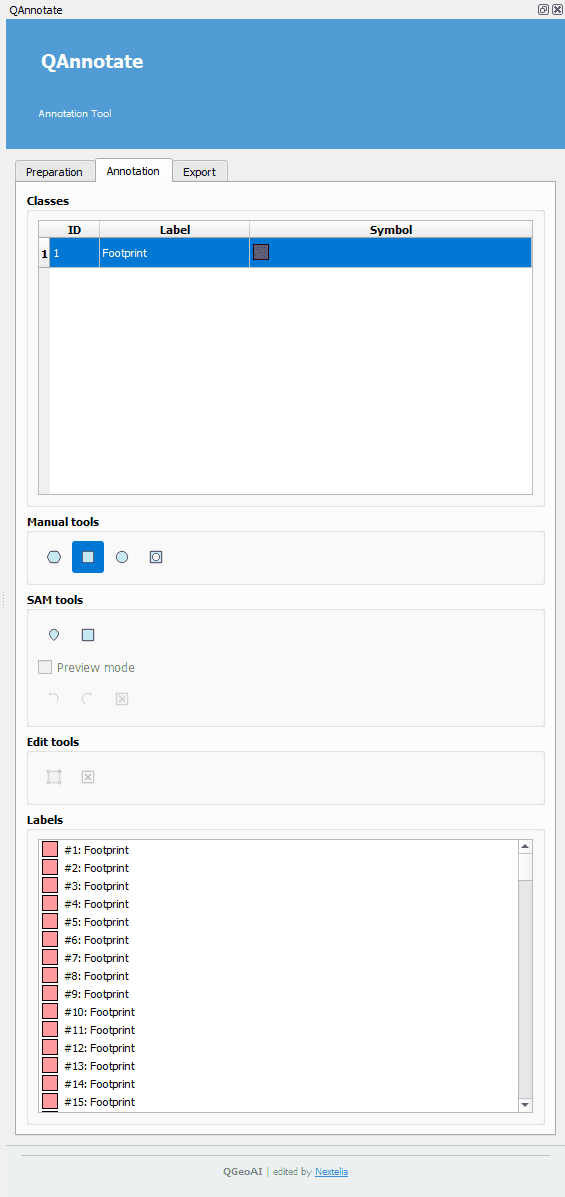
Classes Block
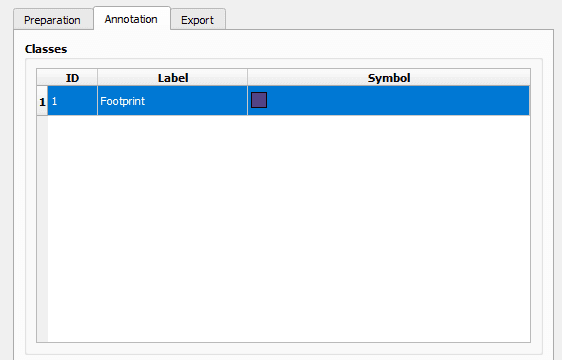
- Displays the annotation classes from the catalog in a table with ID, label, and symbol.
- The user must click on a table row to select the active annotation class.
Manual Tools Block

- Polygon: Shortcut to the native QGIS polygon tool.
- Hole: Shortcut to the native QGIS hole tool.
- Rectangle: 3-click tool to create oriented rectangles.
- First left click: defines the base segment.
- Second click: sets the depth.
- Right click: validates the final annotation.
- Ctrl: enables horizontal or vertical snapping (ideal for straight rectangles).
- Shift: enables symmetric depth mode (base segment in the middle, depth symmetric).
- Ellipse: Tool to create ellipses.
- First left click: sets the radius.
- Second left click: sets the width.
- Shift: creates a perfect circle.