
Export Annotations
The Export section allows generating datasets from the selected raster and annotation layer, with configurable tiling and format parameters.
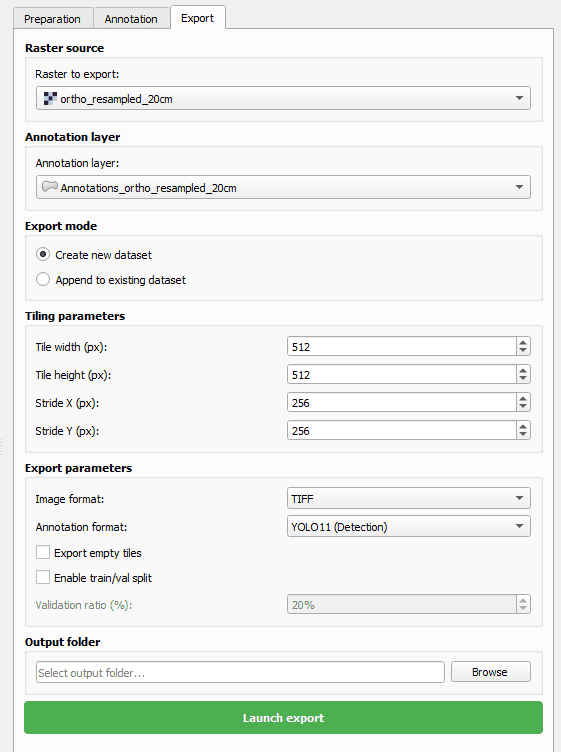
Raster Source
- Raster to Export field: select a raster from the project.
- By default, the raster selected is the one chosen in the Preparation tab > Raster to Annotate.
Annotation Layer
- Select the annotation layer to export.
- By default, this is the layer used during annotation.
Export Mode
- Two options:
- - Create a new dataset
- - Append to existing dataset
- If Append to existing dataset is selected, a check is performed to ensure the raster and tiling parameters match the existing dataset.
Tiling Parameters
- Tile width (px), Tile height (px), Stride X (px), Stride Y (px).
Export Parameters
- Image format: tif, png, jpg.
- Annotation format: coco json, mask (semantic segmentation), yolo11, yolo11-obb, yolo11-seg.
- If mask is selected: new field Mask format (tif, png).
- If a YOLO format is selected: option Enable train/val split with Validation ratio (%) field if enabled.
- Option Export empty tiles to include tiles without annotations.
Output Folder
- Select the folder where exported files will be saved.
- Click Launch Export to start the export process.